
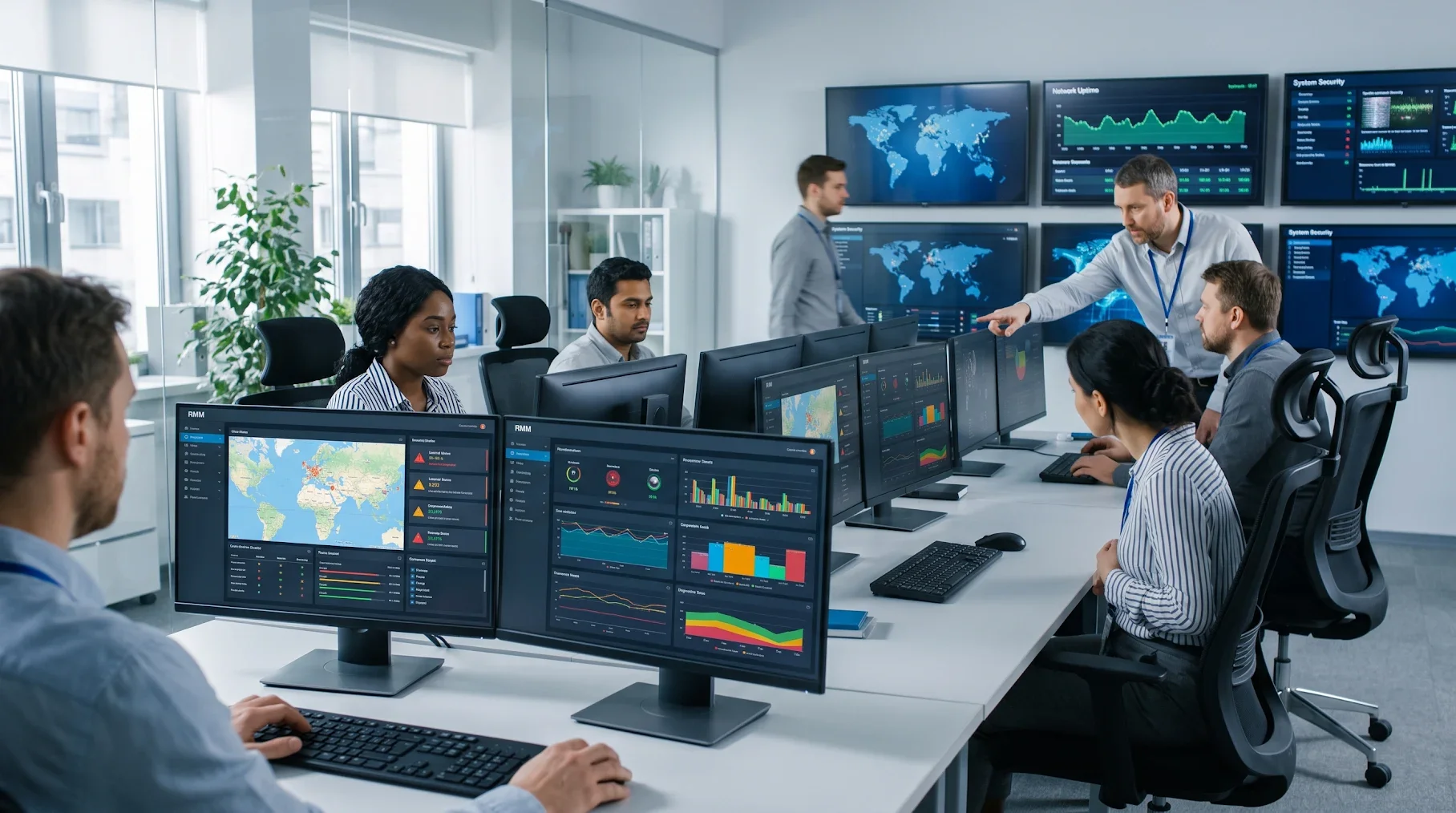
What is RMM? RMM stands for remote monitoring and management. It’s software that IT teams and managed IT companies use to watch every computer, server, and network device in a business around the clock, fix problems remotely, and push updates without anyone visiting a desk.
A small program called an agent sits on each device and reports its health back to one central dashboard. When something looks wrong, a technician gets an alert, often before your team notices anything at all.
Key Takeaways
- RMM is the toolset behind proactive IT. It monitors devices 24/7, flags issues early, and lets technicians fix most problems remotely.
- It works through agents and a dashboard. Each device reports its health to a central console, where alerts and automation take over.
- RMM is software, not a service. The tool only helps if someone is watching the alerts and acting on them.
- Most managed IT plans run on RMM. Ask a provider who responds to alerts, and how fast, not just which tool they use.
Want to know what’s being monitored on your network right now? Talk to a real person at ERGOS: (713) 621-9220.
What Does RMM Stand For, and What Does It Actually Do?
RMM stands for remote monitoring and management, and the name covers both halves of the job.
Remote monitoring is the watching. The software tracks things like:
- disk space and CPU load
- failed backups
- antivirus status
- missing updates
- devices that suddenly drop offline
Remote management is the fixing. A technician can patch software, restart a frozen service, run a script across 200 laptops at once, or remote into a single machine. Nobody has to drive to your office.
In plain terms, RMM gives an IT team eyes on every device and hands that can reach any of them. Without it, IT support is mostly reactive. Someone calls, explains the problem, and waits.
How RMM Works: Agents, Dashboards, and Alerts
RMM software has three moving parts. Once you understand those, the rest is easy to follow.
The RMM agent
An RMM agent is a lightweight program installed on each endpoint: desktops, laptops, servers, and sometimes network gear. It runs quietly in the background and collects health data.
It also carries out commands sent from the console. If you’ve ever found an unfamiliar “agent” in your system tray or Task Manager, it’s likely your IT provider’s RMM.
The central console
Every agent reports to one dashboard. From there, technicians see the whole environment at a glance: which machines are healthy, which are behind on patches, and which have a warning light on. For a business with three offices and remote staff, this is the only practical way to see everything in one place.
Alerts and automation
Here’s where RMM earns its keep. Technicians set thresholds, such as “alert me if a server drive passes 90% full” or “flag any device that misses two backups.” When a threshold trips, the system creates an alert or a ticket. Many routine fixes run automatically. Patches deploy on a schedule, temp files get cleared, and services restart without a person touching anything.
What RMM Tools Typically Monitor and Manage
Every RMM platform is a little different, but most cover the same core ground.
| Area | What RMM does |
|---|---|
| Device health | Tracks CPU, memory, disk space, and uptime on every endpoint |
| Patch management | Deploys operating system and third-party updates on a schedule |
| Security status | Checks that antivirus and endpoint protection are running and current |
| Backups | Confirms backup jobs ran and flags any that failed |
| Software | Installs, updates, or removes applications remotely |
| Remote access | Lets a technician connect to a device to troubleshoot |
| Asset inventory | Keeps a live list of hardware, software, and warranty status |
| Reporting | Produces health and compliance reports for leadership |
Patching deserves special attention. Attackers routinely go after systems that are missing known security fixes, which is why ransomware attackers look for unpatched systems to exploit. An RMM that patches on schedule closes many of those doors automatically.
RMM vs. PSA vs. Remote Desktop: What’s the Difference?
These three get mixed up constantly, especially in vendor marketing.
| Tool | What it’s for | Who uses it |
|---|---|---|
| RMM | Monitoring and managing devices at scale | IT teams and managed IT companies |
| PSA (professional services automation) | Tickets, billing, contracts, and scheduling | The business side of an IT provider |
| Remote desktop / remote access | Connecting to one machine at a time | Anyone who needs to help a single user |
Remote desktop is one feature inside RMM. It isn’t a replacement for it. PSA handles the paperwork side: tickets, time tracking, and invoicing. Many IT providers connect RMM and PSA so that an alert automatically becomes a ticket with a clear owner.
Why Businesses Use Remote Monitoring and Management
RMM shifts IT from fixing things after they break to catching them before they do. That shift pays off in a few ways.
Less downtime. A drive that’s filling up gets cleaned before the server crashes. A failed backup gets rerun before you need it. Gartner’s widely cited estimate puts the average cost of network downtime at $5,600 per minute. Your number may be smaller, but no business wants to find out the hard way.
Fewer security gaps. Consistent patching and antivirus checks across every device remove a lot of easy openings for attackers.
Faster fixes. Most issues get resolved remotely, often in minutes. Waiting for an on-site visit can take hours or days.
Real visibility. Leadership can see what hardware they own, what’s aging out, and where the risks are. That makes budgeting and compliance conversations far simpler.
It scales. Ten devices or 1,000, across one office or twenty, the effort to manage them stays roughly the same.
What RMM Can’t Do on Its Own
This is the part vendor guides tend to skip. RMM is a tool, and a tool doesn’t fix anything by itself.
Alerts need a human. A well-tuned RMM can generate dozens of alerts a day. If nobody’s watching, or if the alerts are so noisy that people tune them out, the software is just collecting data. The value comes from technicians who triage, own the problem, and close the loop.
Setup makes or breaks it. Thresholds, patch schedules, and automation rules have to fit your business. A generic, out-of-the-box configuration either misses real problems or buries the team in false alarms.
RMM itself needs protecting. Because an RMM tool can reach every device on a network, it’s a high-value target. In July 2021, attackers exploited Kaseya’s VSA remote management software and pushed ransomware through it to downstream businesses. Kaseya estimated that between 800 and 1,500 companies were affected. Any provider running RMM in your environment should lock it down with multi-factor authentication, strict access controls, and its own monitoring. Pairing RMM with managed cybersecurity services covers that gap.
It doesn’t replace strategy. RMM tells you a server is eight years old. It won’t plan the replacement, budget for it, or pick the right cloud option.
Is RMM Part of Managed IT Services?
Almost always, yes. RMM is the backbone of nearly every managed IT services plan. It’s how a managed IT company keeps watch on your environment around the clock without a technician sitting in your office.
The better question is what happens after an alert fires. Two providers can run the same RMM platform and deliver completely different results. One treats alerts as a queue to clear when they get around to it. The other has live technicians who pick up the issue, fix it, and tell you what happened.
That’s how ERGOS approaches it. Monitoring feeds directly into a 24/7/365 live help desk, where the average wait to reach a real person is about three minutes. Monitoring, patching, and day-to-day management sit inside ERGOS’s broader IT management services. Security and compliance are part of the same plan rather than separate vendors pointing fingers at each other.
Frequently Asked Questions About RMM
What does RMM stand for?
RMM stands for remote monitoring and management. It’s software that lets IT teams watch and fix devices from anywhere.
What does an RMM do?
It tracks the health of every computer and server, sends alerts when something’s off, and lets technicians patch or fix devices remotely. Think of it as a 24/7 check engine light for your whole network.
What is an RMM agent?
It’s a small background program installed on each device that reports health data to the RMM dashboard. It also runs the fixes and updates technicians send.
Is TeamViewer an RMM?
Not on its own. Standard TeamViewer is a remote access tool, while a full RMM also handles monitoring, patching, alerting, and automation across every device.
What are RMM tools?
They’re the software platforms IT teams use to monitor and manage endpoints, such as NinjaOne, ConnectWise, Datto, and N-able. Most businesses never touch them directly because their IT provider runs them.
What is PSA and RMM?
RMM manages the devices, while PSA manages the business side: tickets, billing, and scheduling. IT providers usually connect the two so alerts turn straight into tracked tickets.
What is an RMM in cybersecurity?
RMM supports security by keeping patches current and confirming antivirus is running on every device. It isn’t a full security tool, though, so it works best alongside dedicated threat detection and response.
What is RMM in healthcare?
It’s the same tool, used to monitor clinical workstations, servers, and devices that handle patient data. Don’t confuse it with RPM, which stands for remote patient monitoring.
Why use remote monitoring and management?
Because catching problems early is cheaper than fixing outages. RMM cuts downtime, closes security gaps, and gets most issues fixed remotely in minutes.
Do managed IT services include remote monitoring and management?
Yep, nearly every managed IT plan runs on RMM. What separates providers is how fast a real person acts when an alert fires.
Get More From Monitoring Than a Dashboard
RMM is the reason modern IT can be proactive instead of reactive. It watches every device, catches problems early, and fixes most of them remotely. But the software is only as good as the people behind it. The right IT partner tunes it for your business, protects it like the critical access point it is, and has a live human ready to act when something breaks.
Want to see what proactive monitoring looks like with real people behind it? Talk to a real person at ERGOS: (713) 621-9220.