
For most businesses, the question isn’t whether they need IT services. It’s whether what they have right now is actually working.
Businesses run on technology now. Your staff depends on it. Clients interact with it. Sensitive data lives on it. And when something breaks — or gets compromised — operations stop. IT services exist to prevent that. And when prevention fails, to get things back up fast.
Some businesses handle IT internally. Some outsource it entirely. Most mid-sized companies land somewhere in between. What matters is that someone qualified is actively managing the environment — not just responding to fires.
Key Takeaways
- IT services cover the full technology stack — hardware, software, networks, security, and cloud
- Most businesses need IT services, but many are running with gaps they don’t know about
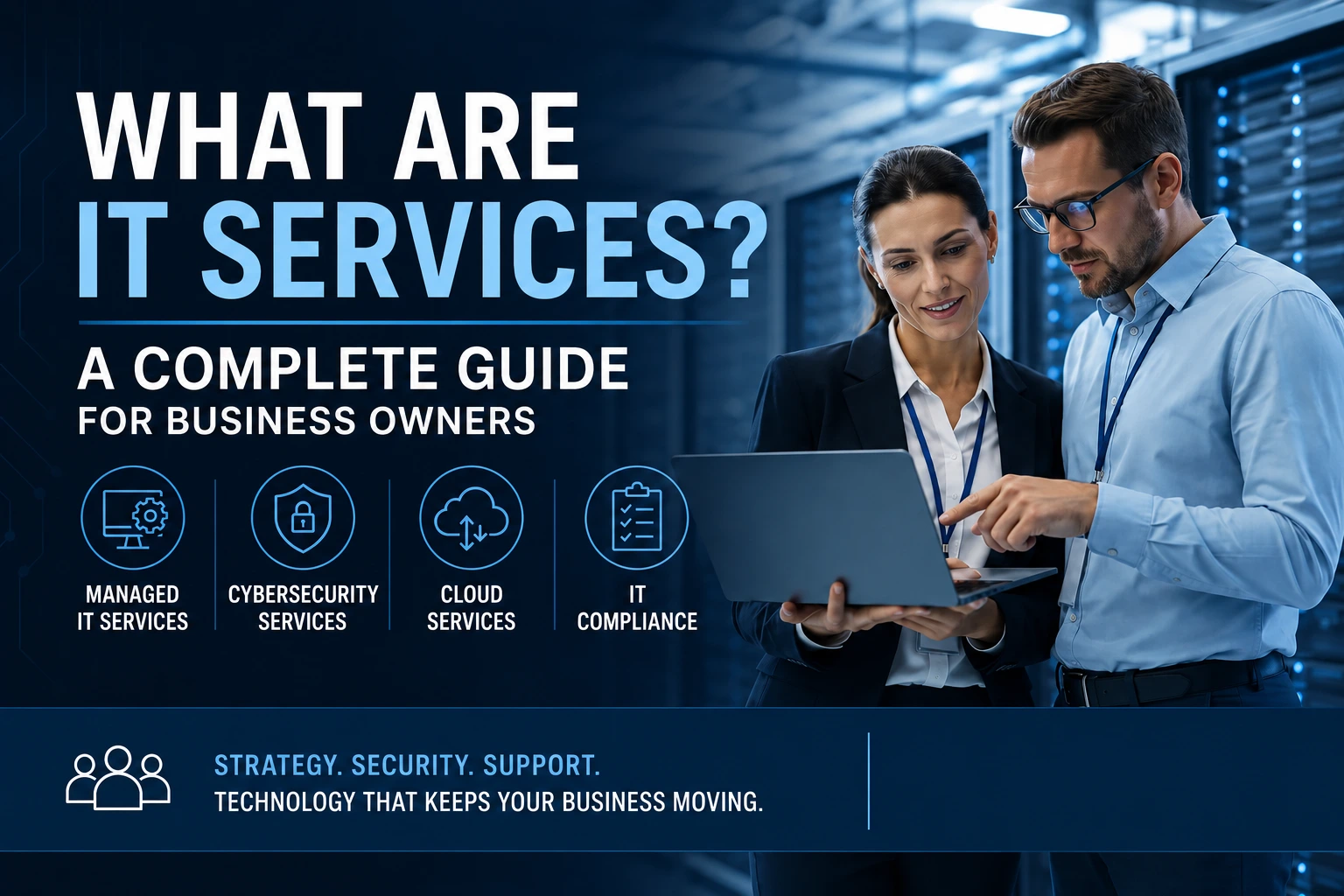
- There are 4 core categories: Managed IT, Cybersecurity, Cloud, and IT Compliance
- Managed IT services typically cost less than a single in-house IT hire — and deliver more coverage
- The right provider responds in minutes, not hours, and prevents problems before they happen

it services
The 4 Core IT Service Categories
IT services aren’t a single thing. It’s a category that’s expanded well beyond “fix my computer.” A full IT program for a business today covers four areas.
Managed IT Services
Managed IT services are the ongoing, proactive management of a company’s technology environment. Not break-fix. Not reactive support. Proactive — meaning issues get caught and resolved before the business feels them.
Help desk, network monitoring, patch management, hardware lifecycle, and IT strategy. It’s the operational foundation everything else builds on.
Cybersecurity Services
Computer security service has grown into its own discipline. General IT management doesn’t adequately cover security anymore — the threat landscape has moved too fast.
Cybersecurity services include threat monitoring, endpoint protection, penetration testing, incident response, and employee security training. For businesses in legal, healthcare, or finance, it’s not optional. It’s table stakes.
Cloud Services
Most businesses are already in the cloud. Microsoft 365, hosted applications, cloud backups — it’s everywhere. But using the cloud and using it well are different things.
Cloud services cover migration, management, and optimization. Done right, it reduces infrastructure costs, improves reliability, and builds a real disaster recovery plan into the business.
IT Compliance Services
Regulatory requirements don’t go away because they’re inconvenient. HIPAA, SOC 2, PCI DSS, CMMC — these carry real penalties when ignored. According to NIST, a structured compliance framework is one of the most effective ways to reduce organizational cyber risk.
IT compliance services are the frameworks, audits, and documentation that prove a business meets its obligations. Industries like healthcare, legal, finance, and defense contracting don’t get to skip this. An IT provider with compliance depth keeps companies audit-ready without shutting down day-to-day operations to get there.
What Does an IT Services Company Do Day-to-Day?
More than most business owners expect.
Before the workday starts, systems have already been checked. Servers, network devices, backups, security alerts — reviewed and triaged. Most issues get resolved before anyone notices.
Then the day begins.
Help desk calls come in. An employee can’t access a shared drive. A laptop is running slowly. A software license expired overnight. Each one gets picked up, worked on, and closed. At ERGOS, a live technician answers within 3 minutes. Not a bot. Not a ticket queue. A person.
Throughout the day, patches and updates get applied on schedule. Vulnerabilities close before attackers find them. Security monitoring runs in the background — unusual logins, unexpected data movement, known threat signatures. Anything suspicious gets flagged and investigated.
And at some point, there’s a conversation about strategy. Not about the helpdesk ticket from Tuesday. About the business. Where it’s growing. What technology decisions are coming? Whether the IT budget is being spent in the right places. That’s the vCIO function — executive-level technology thinking without the executive-level salary.
Vendor calls get handled. Internet providers. Software vendors. Hardware manufacturers. Your IT team owns those relationships so business owners don’t spend hours on hold explaining a technical issue to someone three levels removed from the problem.
That’s a day. Every day.
In-House IT vs. Managed IT Services
Both are legitimate. The right call depends on size, budget, and what the business actually needs from its technology.
In-house IT makes sense when systems are complex enough to require dedicated on-site expertise, or when the business has specific proprietary infrastructure a general provider wouldn’t know about. Large enterprises often run both — internal staff plus outside specialists for security and cloud.
But for most businesses under 200 employees, a single IT hire costs $65,000–$100,000 in salary before benefits, training, PTO, and the inevitable 90-day search when they leave. And one person can’t cover everything. Networking, cybersecurity, cloud architecture, compliance, help desk — those are different specializations. No one person has all of them.
Managed IT services give a business a full team of specialists for a predictable monthly cost. Coverage doesn’t stop when someone calls in sick. There’s no recruiting process when a technician leaves. The service continues.
Some companies run a hybrid. One internal coordinator manages priorities and vendor relationships. An MSP handles monitoring, security, and specialized projects. It works — when both sides have clearly defined lanes.
According to CompTIA’s State of the Channel report, more than 60% of SMBs now use some form of managed services — up significantly from a decade ago. The shift is practical, not trendy.
The wrong choice costs productivity either way. Pick the model that actually fits the business, not the one that feels cheaper on paper.
How to Know If Your Business Needs IT Services
Most businesses that need IT services already sense something’s off. Here are the signals that tend to show up first.
Employees are losing time to technology problems. Not occasionally. Regularly. Slow systems, dropped connections, software errors that nobody owns. Productivity leaks out quietly — and it adds up.
A security incident has already happened. Phishing attack. Ransomware. A suspicious email that someone clicked. If it’s happened once without proper defenses in place, the conditions that allowed it haven’t changed.
Nobody knows what’s actually on the network. Unmanaged devices. Outdated software. Forgotten user accounts from employees who left two years ago. If there’s no clear inventory of the technology environment, there’s no way to protect it properly.
Growth is creating IT chaos. New hires. New locations. New software tools nobody vetted. Growth is good — but it creates complexity fast. Without a plan, things break at the worst possible time.
Compliance is an open question. If there’s a regulatory requirement around data security and the honest answer to “are we compliant?” is “I think so,” that’s a problem.
IT support only shows up when called. Reactive support isn’t a strategy. Monitoring, patching, and proactive planning are the baseline. If the current provider isn’t doing those things, the business is running exposed.
What to Look for in an IT Services Provider
Response time is the first filter. Ask for a documented SLA. Ask what happens at 9 PM when the file server goes down. The answer tells you a lot about how the relationship actually works.
Breadth matters. Can they handle managed IT, cybersecurity, cloud, and compliance in one place? Or will three vendors get involved every time something complex comes up? Fewer vendors mean fewer gaps — and fewer finger-pointing conversations when something goes wrong.
Industry experience isn’t a bonus. A provider that’s spent years in healthcare IT understands HIPAA. One who works with law firms knows how client confidentiality requirements shape the technology environment. That context changes the quality of advice.
Ask how they prevent problems, not just fix them. Any provider can describe their ticketing system. Ask what they catch before a client calls. Ask how many incidents got resolved last month without the client knowing. That’s the actual measure of proactive management.
Reporting has to be readable. Monthly reports that require an IT degree to interpret aren’t useful. Business owners and executives need to see what’s happening in plain language — what’s been done, what’s being watched, and where the risks are.
And then there’s the culture question. Do they communicate clearly? Do they treat staff with respect? Do they feel like a partner or a vendor? That difference compounds over a multi-year relationship in ways that are hard to measure until they matter.
CompTIA recommends evaluating MSPs on technical certifications, documented escalation paths, and client retention rates — not just price. Price is the easiest thing to compare and often the least useful.
ERGOS has delivered IT services since 1997. Real humans. Real ownership. Under three minutes to a live technician, every time.
How Much Do IT Services Cost?
Pricing depends on business size, service scope, and provider. But here’s a practical framework.
Per-user pricing is the most common model. Fully managed IT — help desk, monitoring, patching, basic security — typically runs $100–$250 per user per month.
Per-device pricing runs $50–$150. Works well for businesses with shared workstations and fewer individual users.
All-inclusive bundles roll managed IT, cybersecurity, and sometimes compliance into one monthly fee. One vendor. One invoice. No surprises when a security incident needs a response.
Project-based pricing applies to one-time work. Cloud migrations, network upgrades, compliance audits, security assessments. Scoped and priced individually.
For a 25-person business, a fully managed IT package typically runs $3,000–$6,000 per month. According to Gartner, businesses that underinvest in IT management spend 2–3x more recovering from incidents than they would have spent on prevention. That’s comparable to — or less than — the fully-loaded cost of a single mid-level IT hire. And it comes with a full team instead of one person.
But the real cost comparison isn’t managed IT versus in-house. It’s managed IT versus the cost of a breach, a compliance fine, or weeks of downtime. Those numbers are a lot bigger. The math usually isn’t close.
Frequently Asked Questions
Group 1: IT Services Basics
1. What are IT services in simple terms? It’s the management, support, and strategy behind a company’s technology. Help desk, network monitoring, cybersecurity, cloud management — IT services cover the people and processes that keep systems running and data protected. Some businesses handle it internally. Most find an outside partner more practical.
2. What’s the difference between IT services and managed IT services? IT services are a broad category. Managed IT is a delivery model — one in which a provider takes proactive, ongoing responsibility for the environment rather than just responding when something breaks. One model waits for the call. The other never stops watching.
3. Do small businesses actually need IT services? Small businesses are disproportionately targeted in cyberattacks — attackers assume the defenses are weaker. A 20-person firm gets hit by ransomware the same way a 200-person firm does. The recovery is usually harder because the margin is thinner. So yeah, small businesses need this.
4. Are IT services the same as tech support? No. Tech support is one piece of it — the reactive part that handles problems after they happen. Full IT services also include proactive monitoring, security management, cloud oversight, compliance work, and strategic planning. Tech support fixes things. IT services try to prevent them from breaking in the first place.
5. What industries benefit most from IT services? Any industry that depends on technology — which is all of them. But the ROI is highest where compliance requirements are strictest: healthcare, legal, finance, construction, and manufacturing. Regulatory exposure makes proactive IT management a business necessity, not a preference.
Group 2: Choosing a Provider
6. How do I choose the right IT services provider? Response time, breadth of services, industry experience. Ask for client references from businesses your size. Find out what happens after hours when something critical fails. The sales pitch tells you what they want you to believe. References and response time tell you what’s actually true.
7. What questions should I ask before signing a contract? Average response times. Escalation paths when first-level support can’t resolve something. What the onboarding process looks like. How they document the environment. What monthly reporting covers. And — bluntly — what happens if performance doesn’t meet the SLA? Good providers have clear answers to all of these.
8. How long does onboarding take with a new IT provider? Done properly, 30–60 days. That time covers documenting the environment, deploying monitoring tools, identifying security gaps, and establishing a baseline. Providers that move faster are usually cutting corners. Those shortcuts show up as problems later.
9. Can a business switch IT providers mid-contract? It depends on the contract terms — but switching is common and manageable when planned correctly. Documentation, credentials, and system access need to transfer cleanly. A reputable provider facilitates that transition even when a client is leaving. One that doesn’t is worth noting.
10. What’s the first step to getting IT services? A free assessment or discovery call. It gives both sides a chance to understand the current environment, identify gaps, and figure out whether there’s a fit. Most businesses walk away from that conversation with at least one thing worth fixing — regardless of whether they move forward.
Contact ERGOS, an IT firm since 1997, to talk through what your technology environment actually needs. A real person picks up. No scripts. No ticket submission. Just a straight conversation.